Select your therapist at myclearhead.com and click ‘Book Now’.
Select ‘Public, Paying myself’.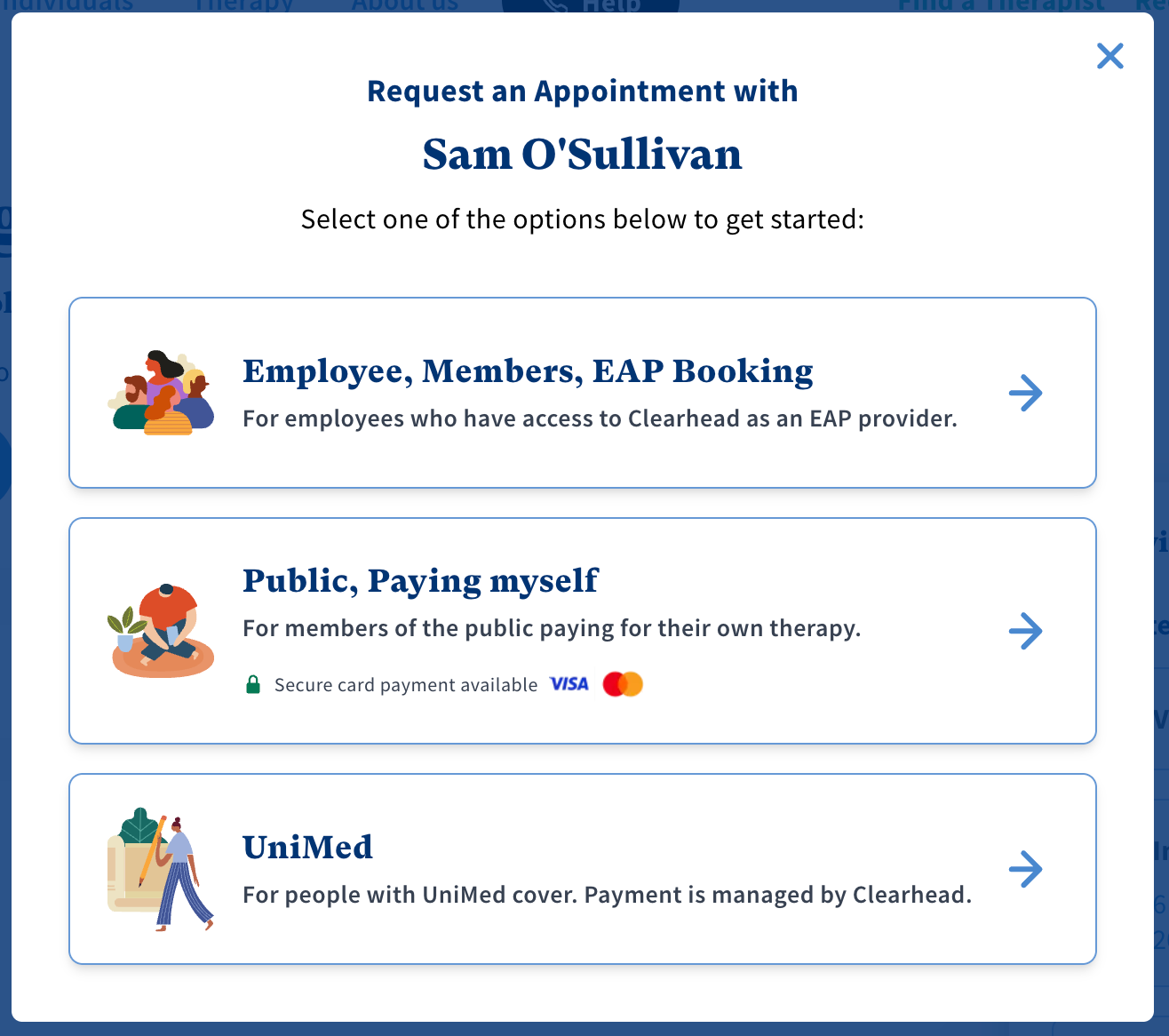
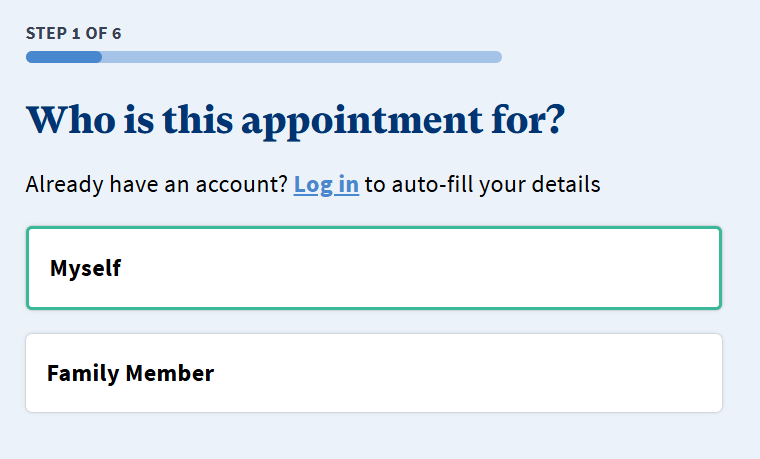
When asked, Who is this appointment for? select either 'Myself' or 'Family Member' and enter Contact Details.
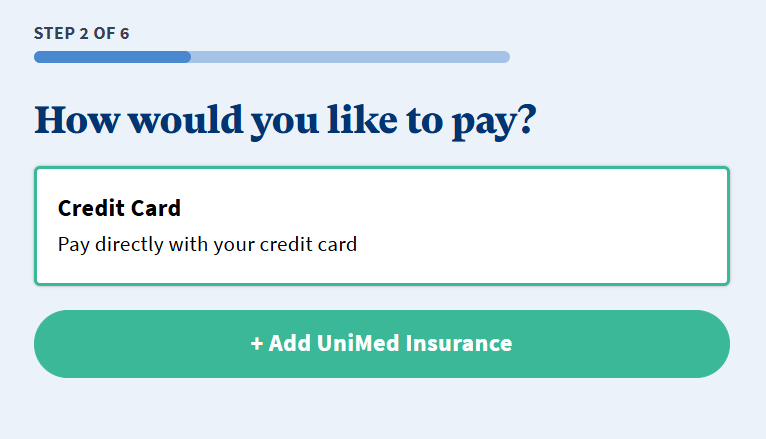
When asked How would you like to pay? select Credit Card.
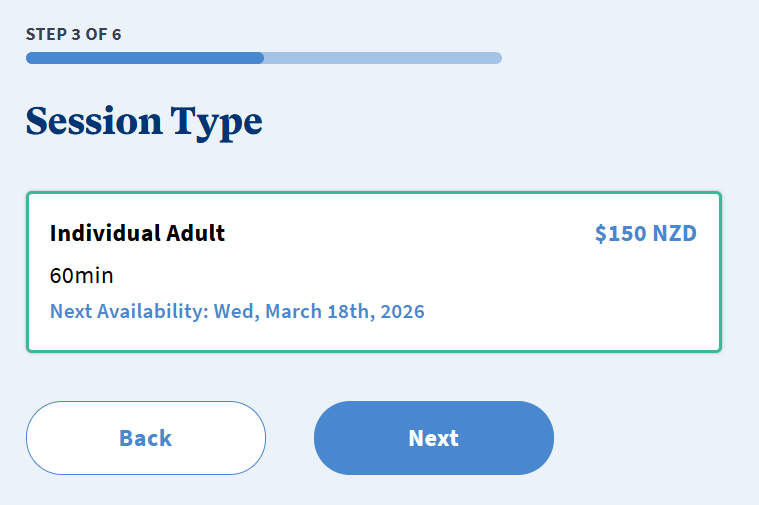
Select the Session Type you would like and click ‘Next’.
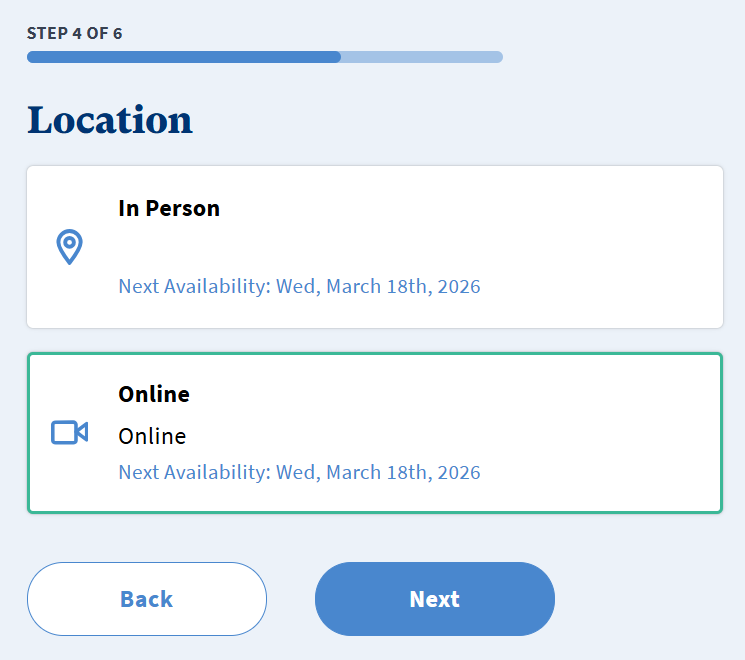
Select the Location either In Person or Online (depending on which locations your therapist has available) and click ‘Next’.
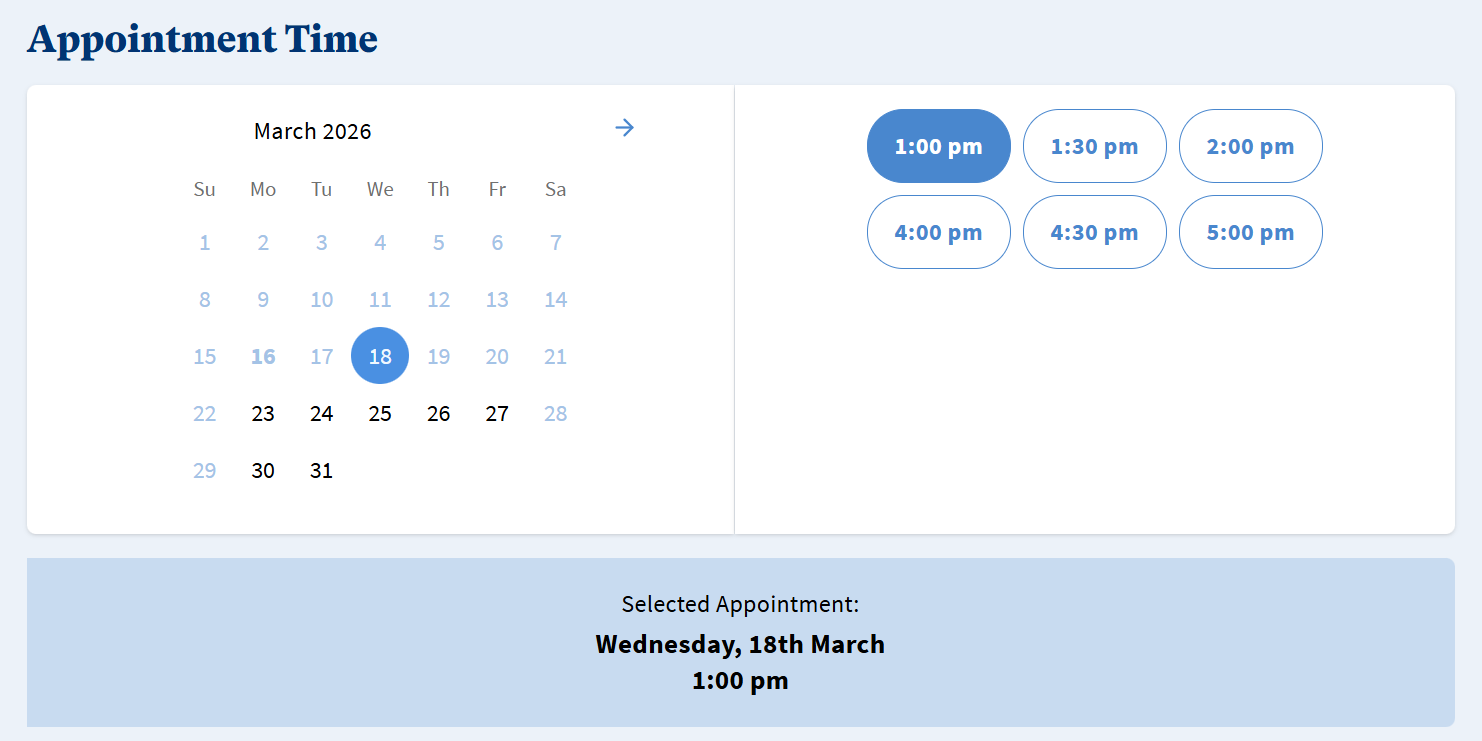
If the therapist has their calendar enabled, you can select your chosen Appointment Time and click ‘Next’. If they don't have their calendar enabled you will not see this step and they will reach out to you after a booking is requested to confirm the time.
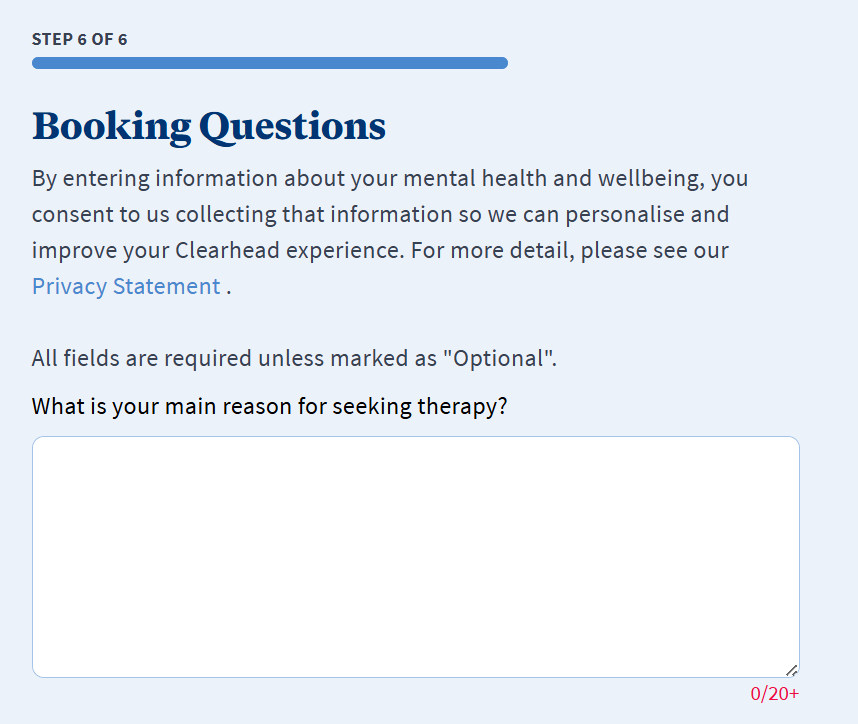
Answer the Booking Questions and click ‘Next’.
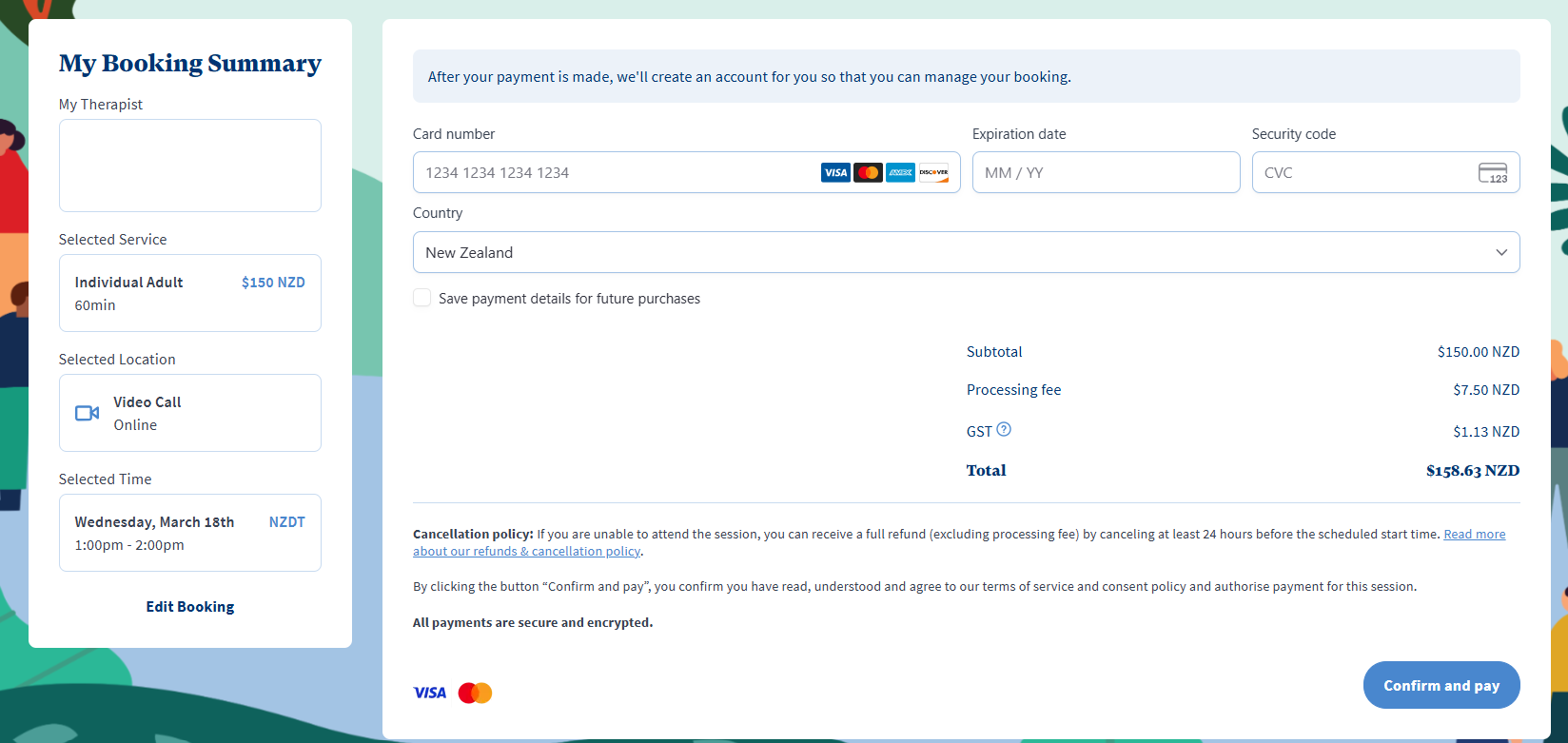
Enter your card details on the Confirm & Pay screen.
You will then receive an email confirming the booking request and another when the booking has been confirmed.
Click here to see our FAQ's regarding self-funded sessions.
Was this article helpful?
That’s Great!
Thank you for your feedback
Sorry! We couldn't be helpful
Thank you for your feedback
Feedback sent
We appreciate your effort and will try to fix the article