Through your employer you are eligible for a funded EAP account, which contains access to our premium self-help tools and funded therapy.
To access a funded account you need to be both signed up and signed in under the EAP offering.
If for some reason you are not on a funded account, and instead believe you are on a free account;
Make sure you signed up directly at your company's website (e.g. format: companyname.myclearhead.com), or after entering your organisation when prompted here on the app, or at myclearhead.com:
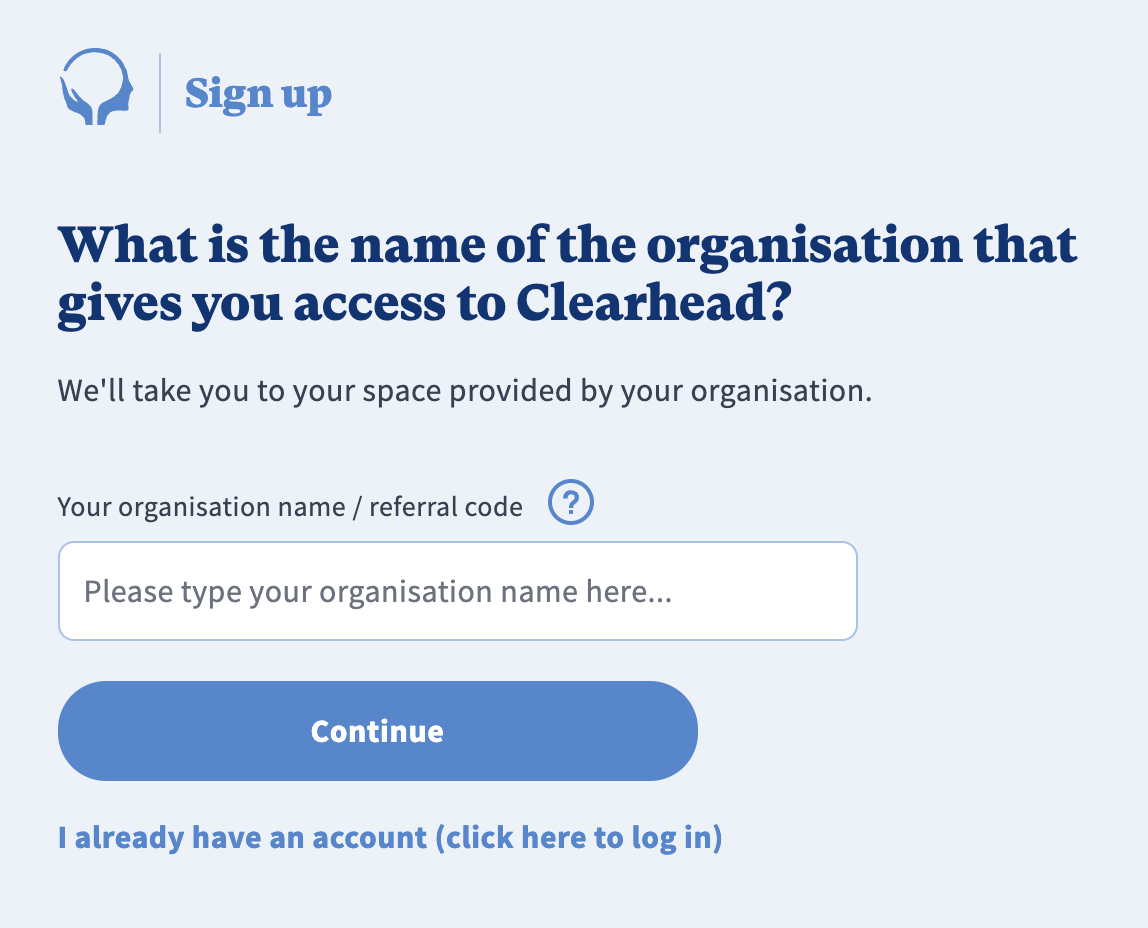
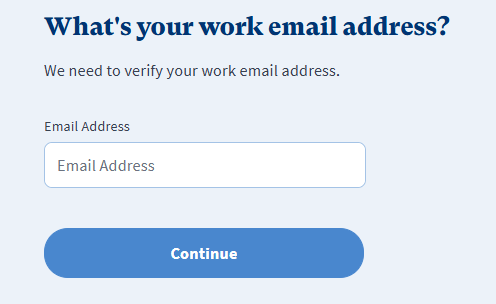
Then enter either a work email/email or ID as prompted here. The example shows a company that verifies its staff using their work email, so the system expects them to enter their work email to gain access to Clearhead.
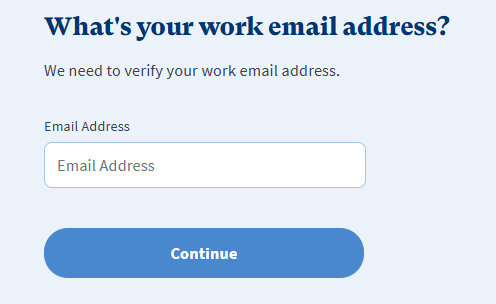
If you believe you signed up for a free account and didn't follow the previous steps initially, you will need to sign up again from your company's Clearhead website (e.g. format: companyname.myclearhead.com) or by entering your company name in the above step, and then verifying yourself using either your work email/email or ID.
Then you need to make sure you sign in under your company, by clicking 'Sign in' or 'Log in', either at your company's Clearhead website (e.g. format: companyname.myclearhead.com) or by entering your company name as shown below.
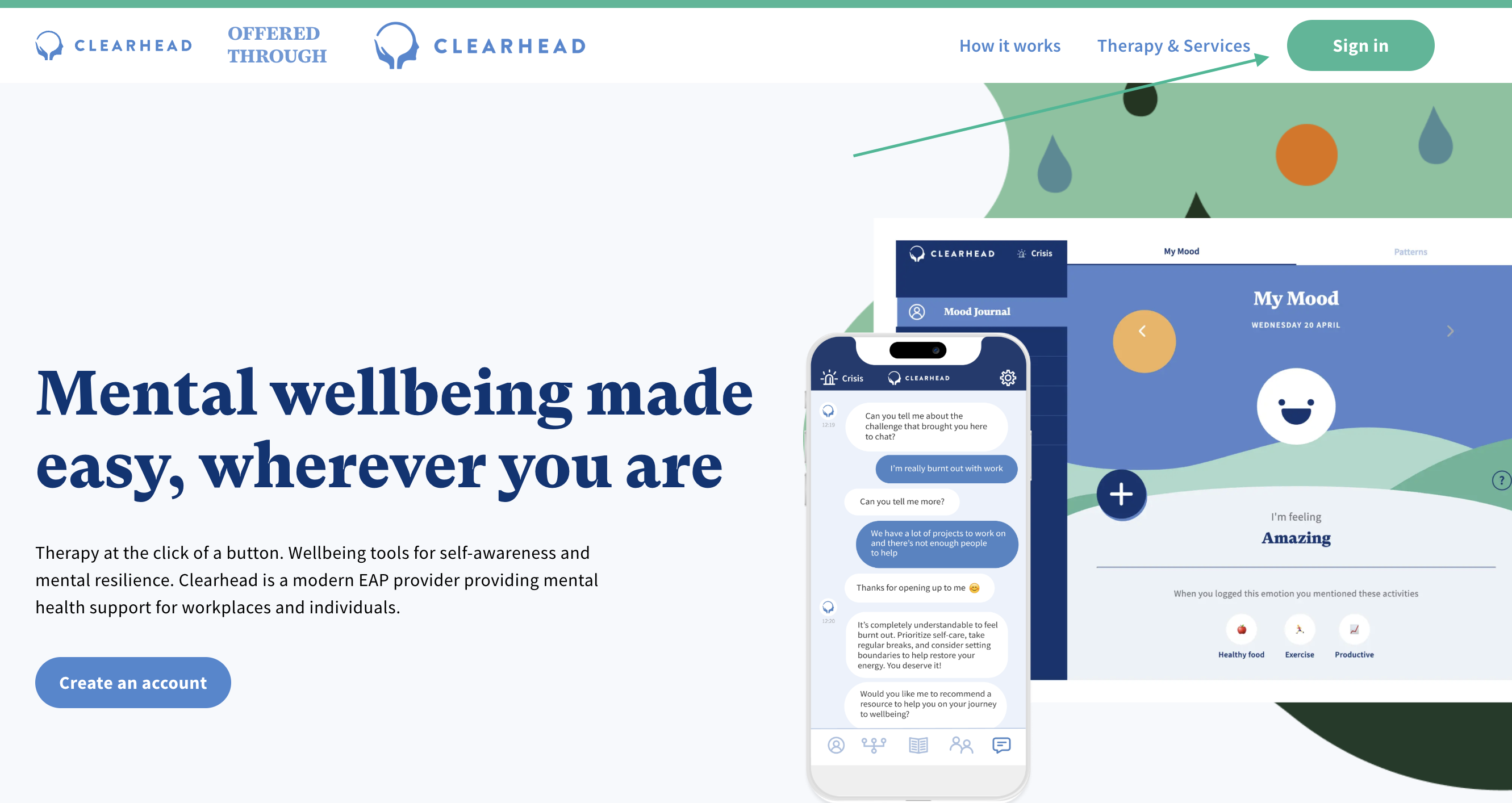
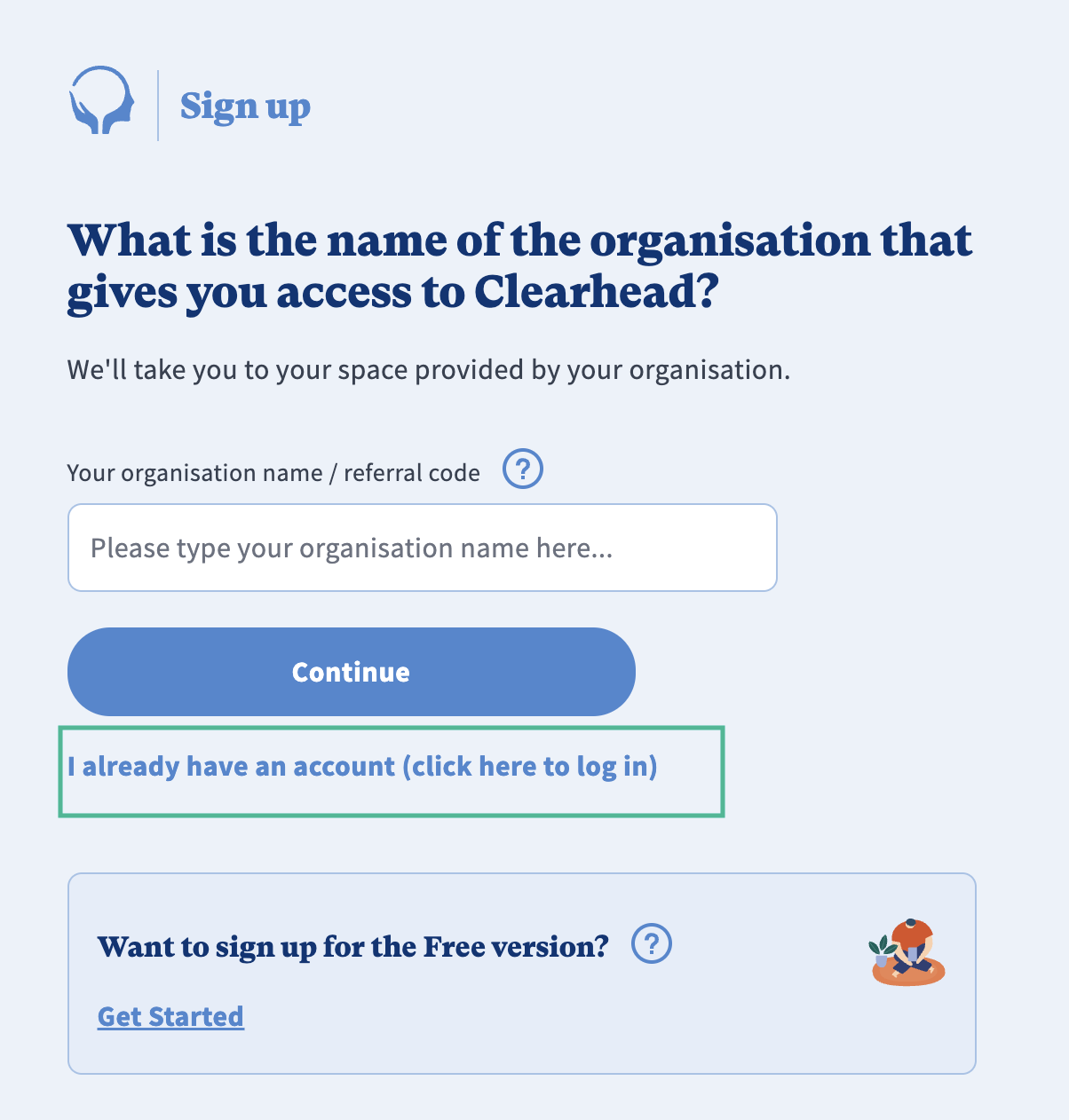
You then need to enter the same email you signed up with, to verify yourself, and then log in using the email and password you created under your company's account.
You will then be able to access your company funded account to use our premium self-help tools and funded therapy.
Was this article helpful?
That’s Great!
Thank you for your feedback
Sorry! We couldn't be helpful
Thank you for your feedback
Feedback sent
We appreciate your effort and will try to fix the article